yanıtly



Clarifies the need at first contact.
Collect the request and relevant details. Resolve supported tasks and pass the rest to the right owner.
When the phone rings or a message arrives, go beyond the answer. Understand the need, see the history and connect the next step to its owner.
Need clarified
Owner assigned
Added to customer record
Where your customers are.
Collect the request and relevant details. Resolve supported tasks and pass the rest to the right owner.
Calls, messages, earlier conversations and open work in one customer record. Customers can pick up where they left off.
The authorised person sees the conversation summary and open requests, with the owner, status and follow-through.
Answer from your business knowledge and clarify the necessary details. Give each conversation the context it needs.
Need clarified
Owner assigned
Added to customer record
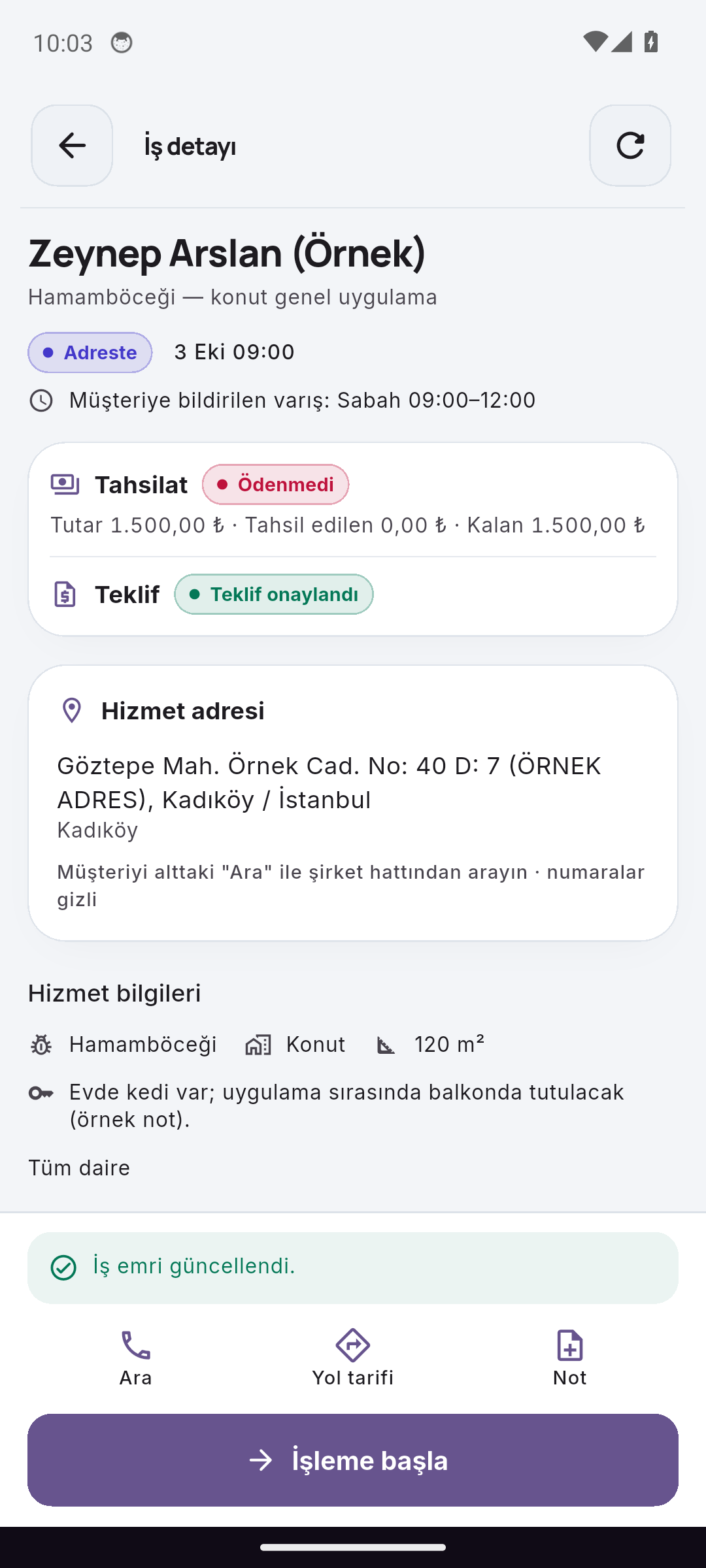
Bring tasks, owners and customer context into the mobile workday. Work orders and application forms follow your industry's enabled modules.
 Reservance Partner
Managers review new requests, unplanned jobs and quote responses on mobile. Ownership and the next action are tracked in the same record.
Requests · Planning · Quotes
Actual screens captured with sample data on different dates. Step selection is a product walkthrough; it does not create bookings, attendance or work orders.
Explore the mobile appsFirst messageCould you check the service request I made yesterday?
Need clarifiedRequest details · Clarified
The next step is visibleSupport team · Awaiting review
A change of channel should not reset the relationship. Bring relevant conversations, enabled business workflows and your team’s next step into the same customer record.
Explore customer communicationYour services, your rules, your team. Shape the setup around your own operation.
It uses your approved knowledge sources, service information and assistant rules. Unsupported questions and staff decisions can be clarified or handed over.
Configured phone channels and customer-matching rules connect relevant conversations and work to customer context. Visibility depends on staff permissions.
Your permissions and available tools define the supported actions. Work requiring approval or a specialist decision is passed to the appropriate team.
You can manage business sources and rules and use team handover. Controls such as approval of learning suggestions depend on enabled features and staff permissions.
Let’s take a closer look at how your business works.
Get started with Yanitly