yanıtly



A message becomes a job order.
Keep address, area and service needs in one record. Clearly separate a new request from an approved price or confirmed visit.
Location, area, reported signs and access notes. Turn the first conversation into a job order that connects your quote, field team and treatment record.
Kadıköy · Office
Where your customers are.
Keep address, area and service needs in one record. Clearly separate a new request from an approved price or confirmed visit.
Scheduled, en route, arrived, in progress and completed. Assigned staff update the job in Reservance Partner while the office follows its status.
Connect treated areas, methods, products, photos and outcomes to the job. Track treatment records and the next visit target.
Clarify location, area, reported signs and access notes. Create a job request with customer permission; the operations team controls surveying, pricing and dispatch.
Kadıköy · Office
From your office to technicians, from daily plans to job outcomes. Keep the team informed while they work on site.
Your team · Reservance Partner
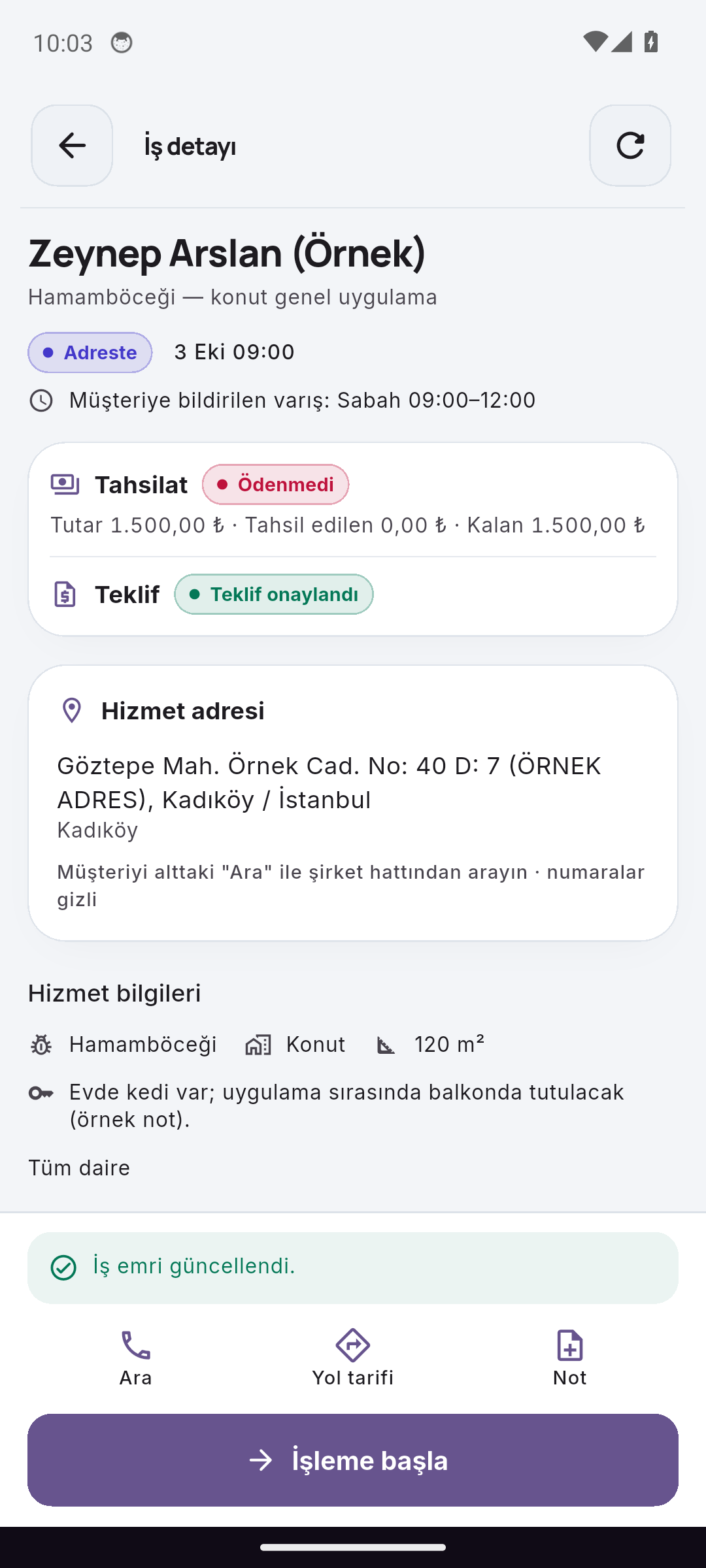
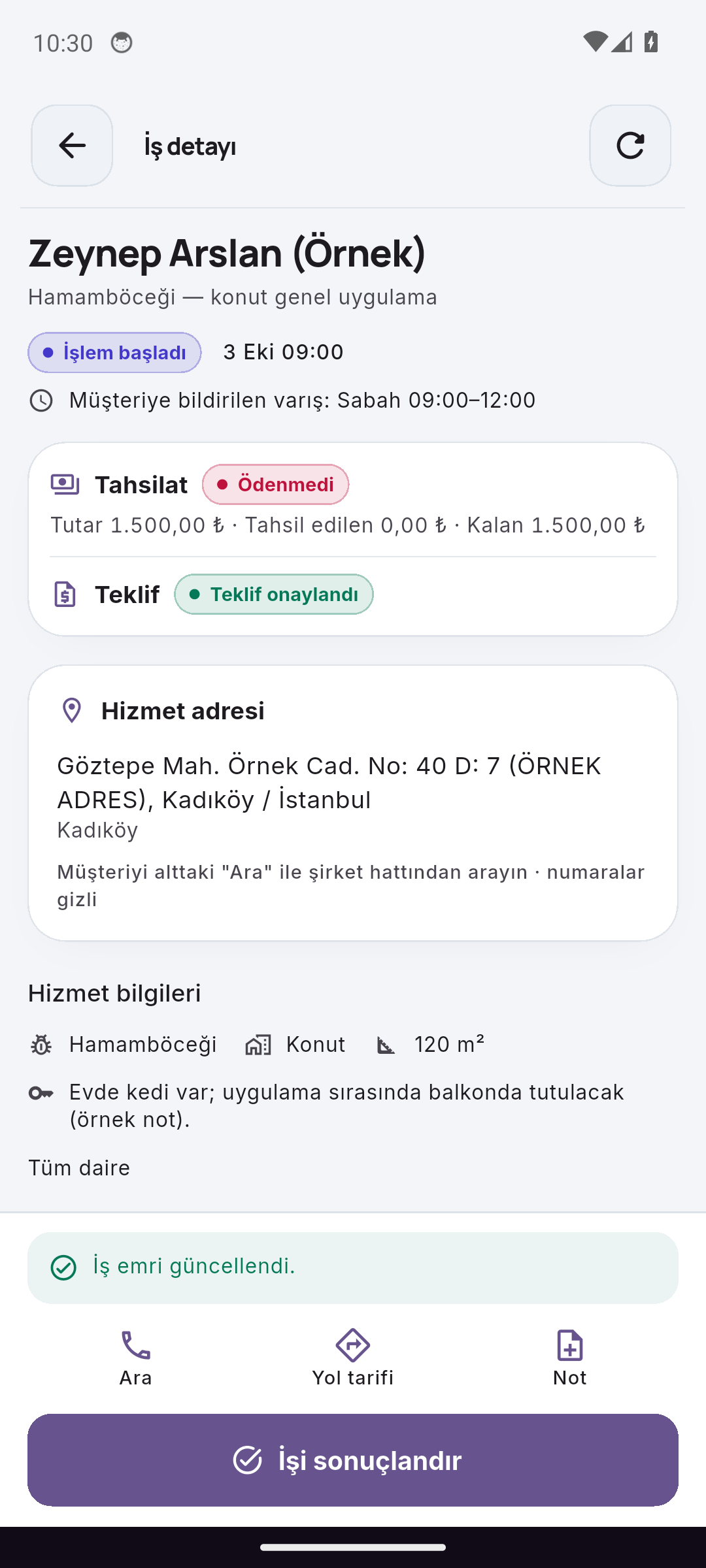
New requests, unplanned jobs and pending quotes appear separately in Reservance Partner. Your team follows the day's priorities from their phone.

Actual screens from independent walkthrough records captured on different dates, not one continuous booking or job. Choosing a step in this walkthrough does not perform a real action.
Explore the full mobile experiencePest control & field. Work happens on site. Stay in control.
First messageCan we request pest control for our office in Kadıköy?
Need clarifiedNew job order · Awaiting planning
The next step is visibleJob order · Awaiting team planning
A change of channel should not reset the relationship. Bring relevant conversations, enabled business workflows and your team’s next step into the same customer record.
Explore customer communicationYour services, your rules, your team. Shape the setup around your own operation.
The job order is the main record. Surveys, quotes, assignments, arrival windows and treatment outcomes connect to it. Creating a request does not by itself confirm a price or visit.
Assigned, authorised staff use Reservance Partner to view job details, addresses and access notes and record departure, arrival, work and completion. Available actions depend on their role and the job’s status.
The field module supports treated areas, methods, catalog products, quantities and relevant form details. Authorised staff define technical information; AI does not invent products, dosages or re-entry times.
The next visit target, quote, treatment form and collection status are separate parts of the job record. Completing work does not automatically record a payment.
Match a request with the right team. Work through a field task step by step.
A learning exercise with sample dataLet’s take a closer look at how your business works.
Get started with Yanitly