yanıtly



Give every job an owner.
Assign the job to responsible staff. Put the customer request, access notes and planned visit in the hands of the person doing the work.
Who is going, what did the customer need, and what happened? Keep the request, owner, visit and outcome together instead of searching through separate messages.
Kadıköy · Office
Where your customers are.
Assign the job to responsible staff. Put the customer request, access notes and planned visit in the hands of the person doing the work.
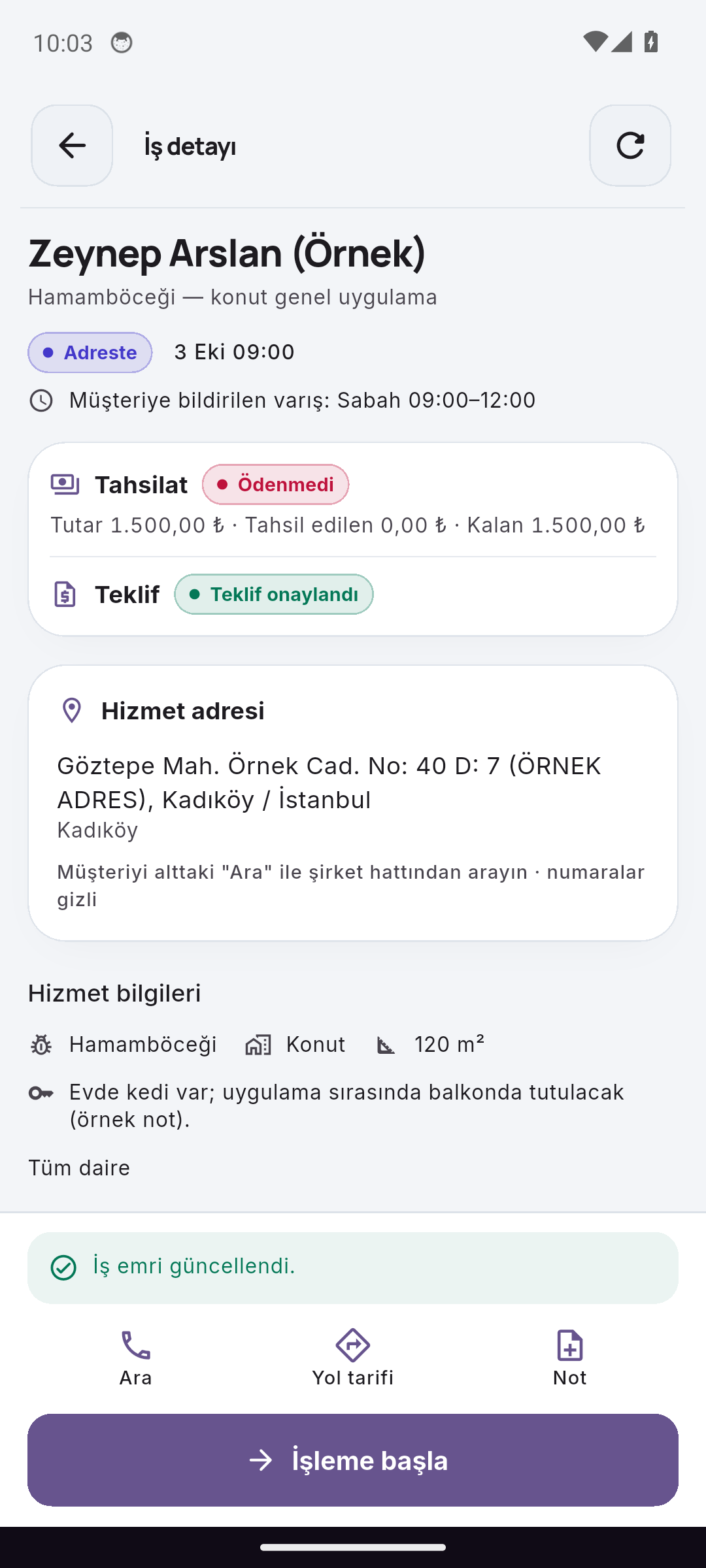
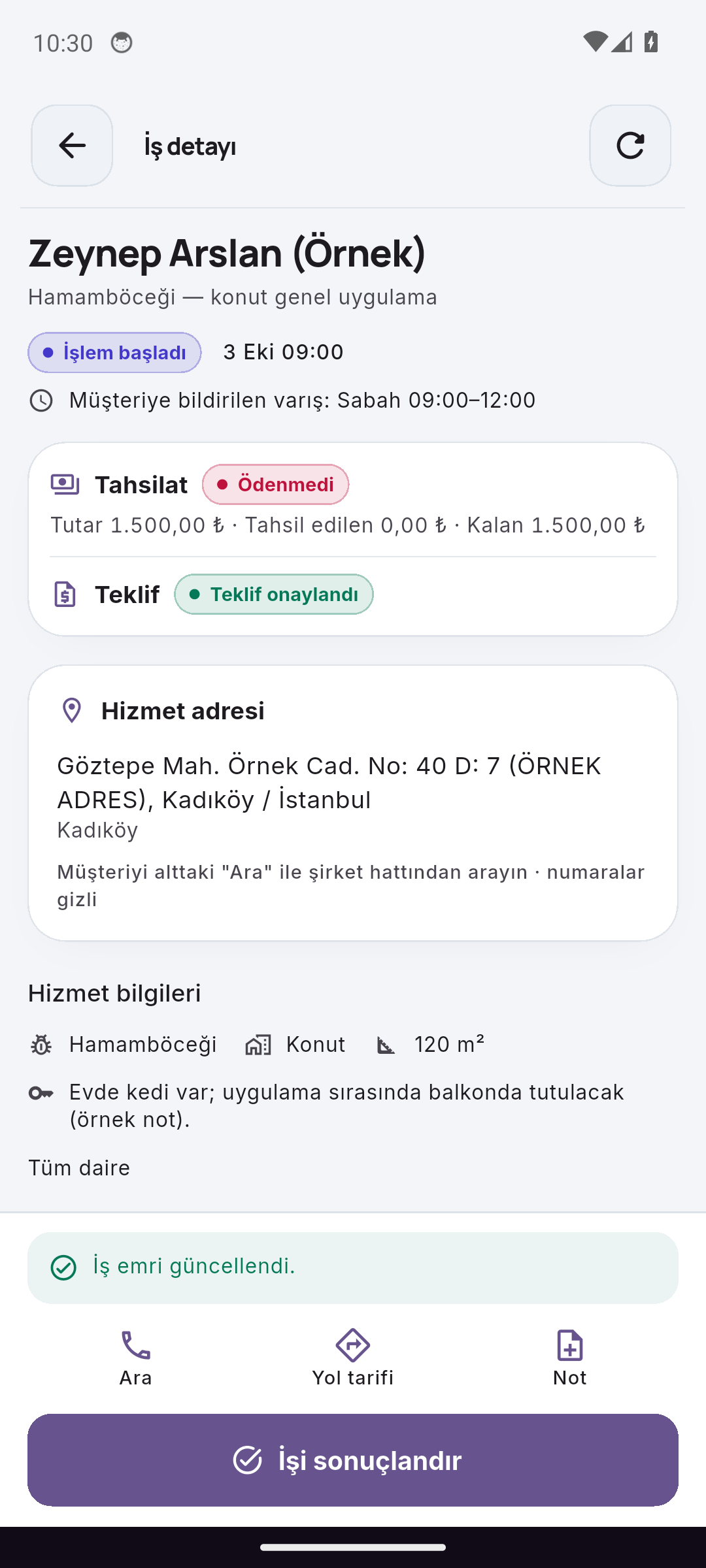
Staff update their progress in the mobile app as they travel, arrive and work. The office follows the same job record.
Record the result with photos and notes. Track quotes, forms and payments separately so an open balance remains visible after completion.
Connect phone and message enquiries to the correct person and location. Your operations team reviews the scope and starts planning from the same record.
Kadıköy · Office
From your office to technicians, from daily plans to job outcomes. Keep the team informed while they work on site.
Your team · Reservance Partner
New requests, unplanned jobs and pending quotes appear separately in Reservance Partner. Your team follows the day's priorities from their phone.

Actual screens from independent walkthrough records captured on different dates, not one continuous booking or job. Choosing a step in this walkthrough does not perform a real action.
Explore the full mobile experiencePest control & field. Work happens on site. Stay in control.
First messageI would like to request an on-site service for our branch.
Need clarifiedService request · With operations
The next step is visibleOperations team · Planning pending
A change of channel should not reset the relationship. Bring relevant conversations, enabled business workflows and your team’s next step into the same customer record.
Explore customer communicationYour services, your rules, your team. Shape the setup around your own operation.
Viewing, managing and acting on assigned jobs are separate permissions. Available actions depend on assignment, role and current job state.
Supported field setups provide job details, departure, arrival, work start, notes, photos and completion to assigned mobile staff. Service-specific fields are determined during setup.
The en-route status shown here is an operational step recorded by staff. This page does not promise continuous GPS tracking or automatic route optimisation.
No. Pest control currently has the deepest native field workflow. Other services require a review of job fields, completion rules and mobile permissions for their use case.
Match a request with the right team. Work through a field task step by step.
A learning exercise with sample dataLet’s take a closer look at how your business works.
Get started with Yanitly