yanıtly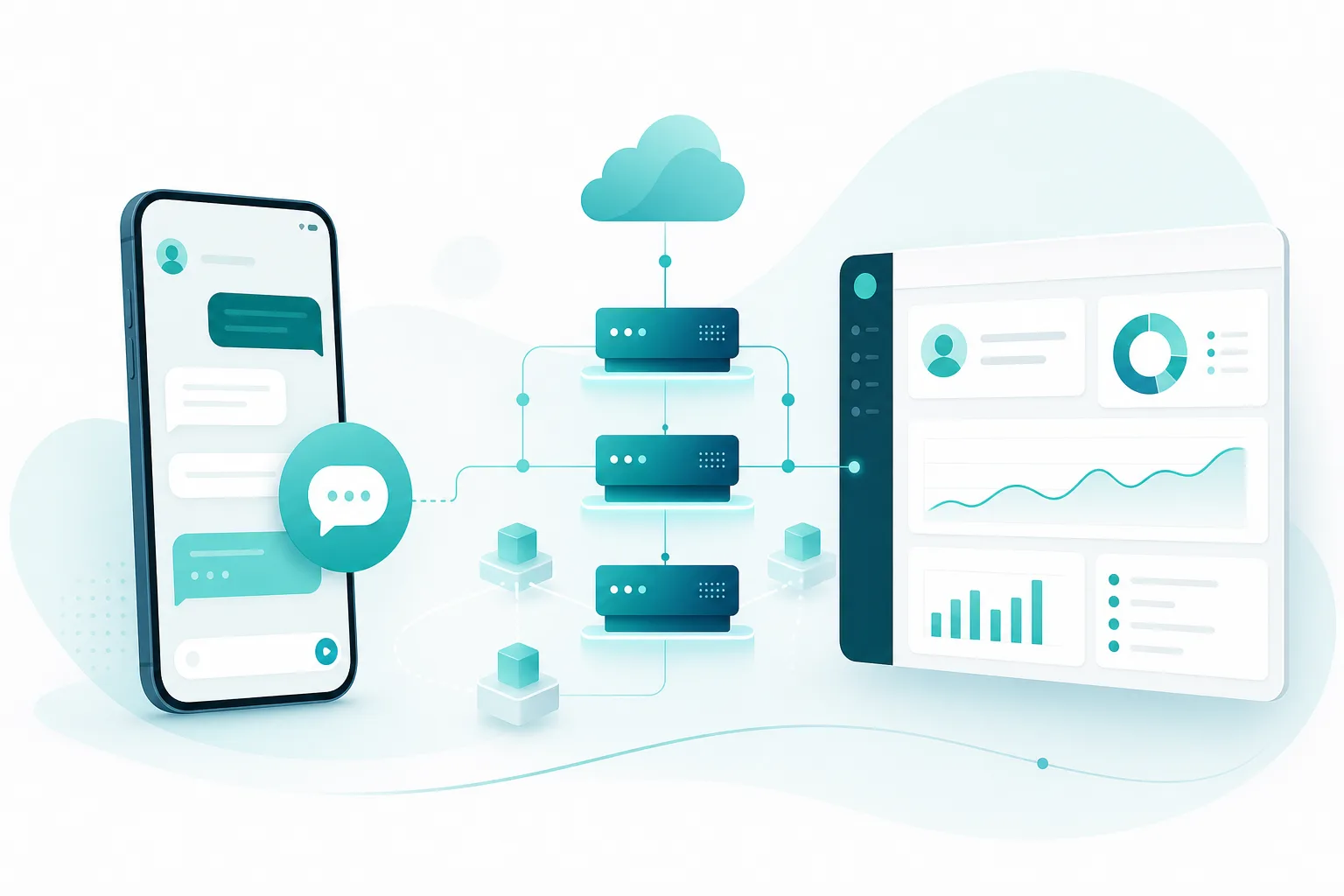
The WhatsApp Business API is the official Meta infrastructure that lets businesses run programmable, secure, and large-scale customer communication over WhatsApp. Unlike the regular WhatsApp or WhatsApp Business app, it has no screen or buttons of its own; it works by connecting to software such as a CRM, support desk, or chatbot. That means dozens of agents can reply from a single number, automated messages can be sent, and every conversation lands in one shared panel.
Put simply: the WhatsApp Business app is for one phone and one person. The WhatsApp Business API is for growing teams, e-commerce operations, and any business that wants automation. As of 2026, the majority of e-commerce stores, clinics, real estate offices, and service businesses are moving their support to this infrastructure.
How is the WhatsApp Business API different from the app?
The core difference is scale and integration. The WhatsApp Business app is free, installs on a phone, and is managed by a single user. The API runs on a server, has no interface, and must be connected to software.
- Users: The app supports one device and one person; the API supports unlimited agents on a single number.
- Automation: The app offers limited quick replies; the API enables full chatbots, automation rules, and CRM triggers.
- Bulk notifications: Risky and limited in the app; official and safe in the API via approved templates.
- Reporting: Basic in the app; response time, resolution rate, and agent performance in the API.
- Cost: The app is free; the API is billed per conversation and requires a provider.
An important warning: there are gray-area tools on the market that blast bulk WhatsApp messages. They do not use the official API and can get your phone number banned. The official WhatsApp Business API, by contrast, is Meta-approved, durable, and safe.
Cloud API or On-Premise API?
Meta offers two deployment models, and the recommended choice today is the Cloud API.
- Cloud API: Hosted on Meta's own servers. Setup is fast, there is no server maintenance, and new features arrive here first. It is the right choice for SMBs and most enterprises.
- On-Premise API: Hosted on your own server. Meta is gradually phasing this model out; it is not recommended for new applications.
In practice, as of 2026 the only sensible option is the Cloud API, so the rest of this guide focuses on the Cloud API application.
How to get the WhatsApp Business API: step-by-step
You can apply for the WhatsApp Business API by writing code directly, but for most businesses the most practical route is through a BSP (Business Solution Provider) or a ready-made platform. The process generally looks like this:
- Create a Meta Business Manager account or sign in to your existing one.
- Complete business verification: Meta confirms your company is real using documents such as your tax record, legal name, and website.
- Choose a phone number to connect to WhatsApp. It must not already be registered to a regular WhatsApp account, or it must be deregistered first.
- Create your WhatsApp Business Account (WABA) through a BSP or platform such as Yanitly.
- Set your display name and submit it for Meta approval.
- Create your first message templates and submit them for review.
- Once approvals are complete, verify the number and go live.
Business verification usually takes 1-3 business days and goes faster when documents are complete. A registered company name, tax details, and a corporate website or email all speed the process along.
What is a BSP and why do you need one?
A BSP (Business Solution Provider) is a Meta-authorized solution provider that bridges businesses and the WhatsApp infrastructure. Instead of wrestling with Meta's technical documentation yourself, a BSP handles the application, billing, and technical connection on your behalf.
Going through a BSP means the software integration, template management, agent panel, and reporting all come ready out of the box, and per-conversation billing is consolidated into a single invoice. Platforms like Yanitly combine this BSP layer with a full customer support panel, so you can launch the WhatsApp Business API without building a technical team.
How do you get the green tick (verified badge)?
The green verified badge next to your name (Official Business Account) signals that Meta has confirmed your brand is a genuine, verified organization. The green tick is not mandatory; you can use the API without it. It does, however, boost customer trust.
For the green tick, Meta evaluates criteria such as brand notability, press coverage, and official presence, so not every application is accepted. The healthier approach is to verify your number and build a steady messaging history first, then apply for the green tick.
Message templates and the 24-hour rule
The WhatsApp Business API has two message types, and understanding them is critical for both cost and compliance.
- Service (session) messages: After a customer messages you, a 24-hour window opens during which you can reply freely.
- Template messages: Outside the 24-hour window, or whenever you start the conversation, you must use a template that has been pre-approved by Meta.
Templates are used for cases like order confirmations, shipping updates, and appointment reminders, and you select a category (utility, marketing, authentication) at submission. Marketing templates require explicit opt-in consent. A wrong category or unsolicited bulk sending leads to template rejection or a drop in your number's quality rating.
Pricing and compliance
The WhatsApp Business API is billed per conversation, with rates varying by conversation category and which side initiates. On top of that, a BSP or platform may add a subscription or usage fee. Being able to receive a tax-inclusive invoice in your local currency and run the whole process in your own language is a real advantage for regional businesses.
From a compliance standpoint, the critical point is keeping customer data in an authorized panel and obtaining explicit consent for marketing messages. Conversations should live in a single system with defined access rights, not scattered across personal phones, both for security and regulatory reasons.
Conclusion
The WhatsApp Business API lets you build a scalable, secure, and automation-ready support layer on the messaging channel your customers already use most. The right path is to go through the Cloud API, complete business verification, and proceed with a reliable BSP. Yanitly delivers the entire journey, from the WhatsApp Business API application and template management to chatbots, human handover, and a compliant single panel, with local-language support and transparent pricing. You can connect official WhatsApp infrastructure to your business in minutes, without scattering numbers across devices or risking a ban.
Frequently asked questions
Is the WhatsApp Business API free?
No. The WhatsApp Business app is free, but the API is billed per conversation. The rate depends on the conversation category (utility, marketing, authentication) and which side starts the chat. Most businesses also pay a subscription to a BSP or a platform like Yanitly. Some customer-initiated conversations may include free first messages.
How long does it take to get the WhatsApp Business API?
If your documents are complete, it can usually go live within 1-3 business days. The main step that determines timing is Meta business verification. Having your tax details, legal company name, and a corporate website or email ready speeds verification up. Applying through a platform like Yanitly automates the technical steps and shortens the process.
Can I move my existing WhatsApp number to the API?
Yes, but a number cannot be used on both the regular WhatsApp app and the API at the same time. Before connecting it to the API, you must deregister it from the existing WhatsApp or WhatsApp Business app. After that, the number works only through the API, meaning through your connected software or panel.
Is the green tick mandatory?
No. The green verified badge (Official Business Account) is not required; the WhatsApp Business API is fully functional without it. The green tick only increases customer trust. Because Meta evaluates criteria like brand notability and official presence, not every application is approved. It is healthier to activate the number first, then apply.
Is sending bulk WhatsApp messages legal?
Bulk notifications sent through the official WhatsApp Business API, using Meta-approved templates and with explicit opt-in consent, are legal and safe. However, gray-area, unofficial bulk-messaging tools can get your number banned. For marketing messages you must always obtain consent and use an approved template.
Published: 2026-06-06 · Content updated: 2026-06-06