In hospitality, guest satisfaction depends on smooth coordination from the first pre-booking call to the final bill check on departure morning. City hotels, boutique hotels, resorts, and apart-hotels make hundreds of small decisions every day: which guest goes into which room, whether an early arrival's room is ready, how weekend rates should change, and how late-night questions in other languages get answered.
In many hotels, the front office screen and the phone and messaging channels are disconnected. While the receptionist checks a guest in at the desk, the ringing phone goes unanswered, and an availability question on WhatsApp waits for hours. Yanitly's hotel workspace brings the front office board, the Tape Chart, the housekeeping board, the rate calendar, guest registration preparation, and a 24/7 multilingual voice AI assistant into one operations hub.
Real speed in hotel operations comes when the receptionist stops shuttling between notebooks and message groups and sees room status, rates, and guest requests on a single live board.
Why Front Office Gaps Happen
A hotel's front office is a sales office, a welcome desk, and a problem-solving center at the same time. While morning check-outs are under way, afternoon arrivals wait in the lobby; the housekeeping supervisor is trying to report which rooms are ready, and prospective guests on the phone are asking about next month's rates. Under this load, disconnected tools create three risks:
- Room assignment and block mix-ups: If an extended stay or a room taken out for maintenance is not recorded in time, two guests end up promised the same room.
- Blind spots between housekeeping and reception: Sending a guest to a room that has been cleaned but not yet inspected damages the first impression.
- Missed direct bookings: When a guest writing at night or in another language does not get a quick answer, they turn to commission-based booking platforms.
The Front Office Board: Arrivals, Departures, and In-House Guests
The first screen the front office needs each morning is the board that captures the day. It shows today's arrivals, today's departures, and guests currently in the hotel separately. Each reservation shows the guest name, party size, assigned room, dates, notes, and account status. Screens such as the night audit, the cash desk, group reservations, and the channel manager live in the same workspace.
Guest Registration Preparation
Accommodation providers must report guest identity details to the authorized government portal. Yanitly's guest registration screen helps you check guest identity details and prepares a CSV file for the portal. You do the reporting: after uploading the file to the authorized portal successfully, you mark those records as reported on this screen. Preparing the file alone does not count as reporting, and the screen says so clearly.
Room Planning with the Tape Chart
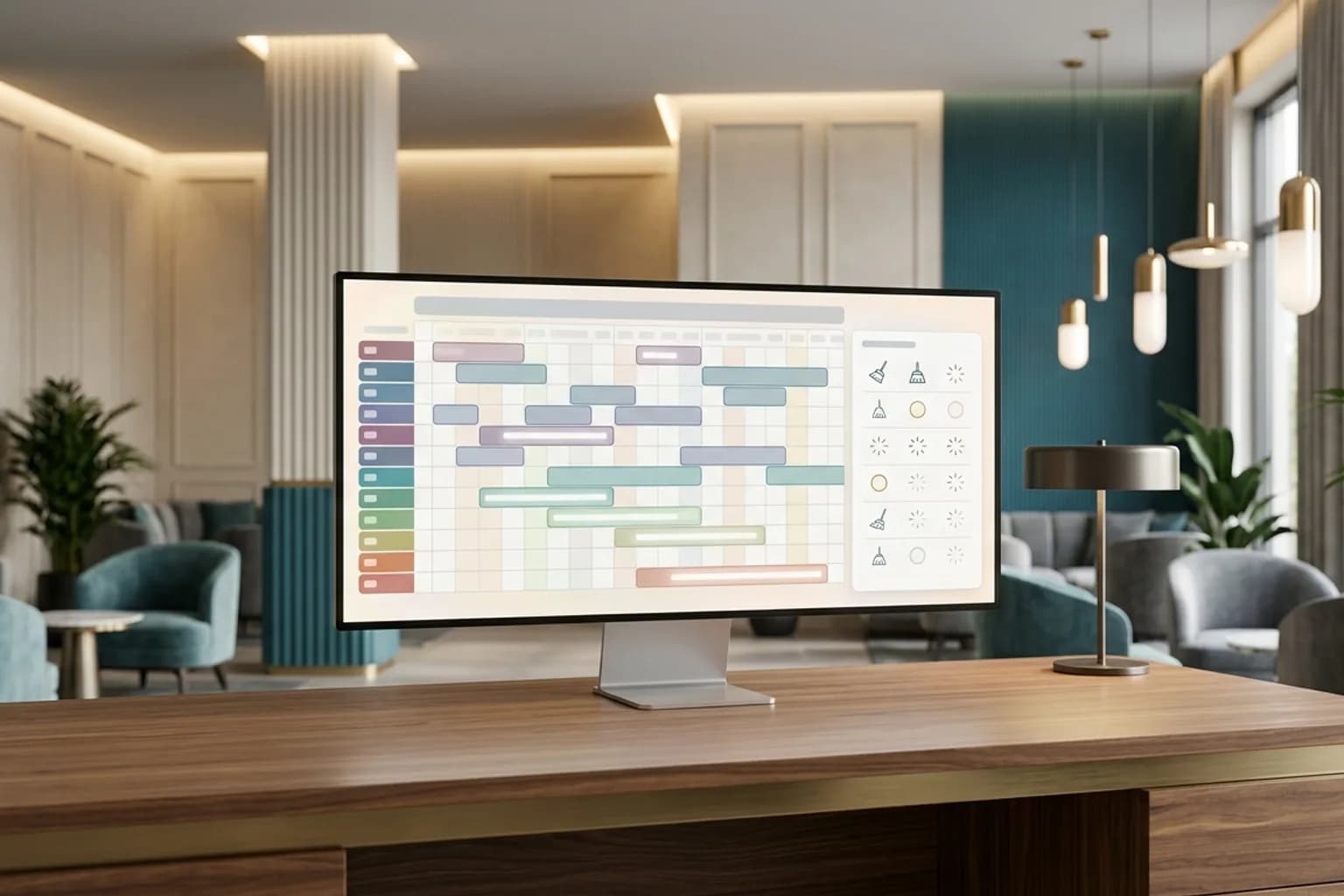
The heart of room planning is the Tape Chart. Rooms and room types run down the rows and days run across the columns; every stay appears as a bar from arrival to departure.
Clash-Free Assignments and Stay Extensions
On list-based screens it is hard to see which room frees up in two days. On the Tape Chart, the receptionist can:
- 1.Place a new reservation into a free date range for the right room type,
- 2.Update the departure day of a guest who wants to extend while seeing whether it clashes with the next booking,
- 3.Line up rooms for families who want to stay next to each other on one screen.
Room Blocks
When a room's air conditioning fails or its bathroom needs renovation, the room is blocked for the affected dates. When a block is released, the system records who released it and when, so communication between maintenance and sales stays on record.
The Housekeeping Board
Housekeeping is more than a clean or dirty label. Yanitly's housekeeping board splits cleaning tasks into stages: Pending, Cleaning, Completed, Inspected, and Rejected. Tasks can be prioritized, and each task is assigned to a member of staff.
The board also catches differences between the occupancy the front office has on record and what the room attendant actually sees in the room. For example, if guest belongings are spotted in a room the system shows as vacant, the discrepancy is brought forward for checking. Once a room moves to inspected, reception can see that it is ready for arrival without making a phone call.
The Rate Calendar and Stay Rules
Hotel revenue management means adjusting rates and rules flexibly as demand changes. The rate calendar lets you manage daily prices by room type and stay rules on one matrix:
- Seasonal and weekend rates: Different nightly rates are set per room type for busy periods or weekends.
- Minimum and maximum stays: A minimum length of stay can stop single-night sales from fragmenting the calendar during holiday weeks.
- Closed to arrival or departure: You can close arrivals or departures on specific dates to balance occupancy.
The channel manager screen sits in the same workspace, where you follow the settings of your sales channels.
A Multilingual AI Receptionist on the Phone and WhatsApp
The strongest companion to front office software is an AI receptionist that can talk to the system directly. The communication layer we covered in our hotel AI voice receptionist guide works alongside the hotel screens.
Availability and Rate Questions
When a prospective guest calls or writes on WhatsApp at night in English, German, Russian, or Turkish, the assistant:
- 1.Takes the arrival and departure dates and the number of guests,
- 2.Checks availability for those dates against the real room inventory,
- 3.Presents suitable room types and the stay total from the rates defined in the panel,
- 4.When the guest agrees, confirms the room type, records the reservation, and places it on the front office screen.
Guest Preferences and Notes
If a guest mentions preferences during the conversation, such as a quiet room, a certain type of pillow, an early breakfast, or a food allergy, the assistant can save them as notes on the guest profile. Front office and housekeeping teams see these notes before the guest arrives, so the guest does not have to repeat themselves on their next stay. Past stays and notes are followed together on the guest profiles screen.
Guest Requests During the Stay
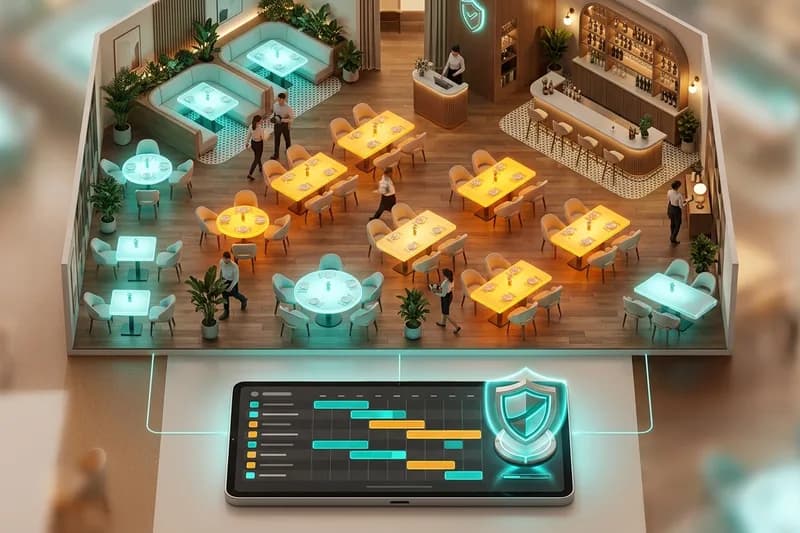
Requests from in-house guests also keep the reception phone busy. When a guest says "Could I have two more pillows?", "Can I check out a little later tomorrow?", or "Could you arrange an airport transfer for this evening?", the assistant records the request with the room details in the housekeeping, room service, or concierge queue for a guest whose active stay it can verify. If the stay cannot be verified, it does not open the request itself and directs the guest to reception. Hotels with an on-site restaurant can combine table bookings with our restaurant floor plan and deposit management flow.