Dental clinics, multi-chair polyclinics, orthodontic practices, and implant centers manage far more than one-off examinations. A patient journey runs from the first examination through surgery, temporary prosthesis try-ins, delivery of the final restoration, and periodic check-up reminders. That journey only works when clinical records and communication channels work together.
When phone calls, WhatsApp messages, practitioner calendars, and the clinical chart live in separate programs, the front desk is overloaded and unfinished treatment plans slip through the cracks. Yanitly brings dental workflows, omnichannel communication, and our clinic appointment system together in one panel.
Sustainable growth in a dental practice depends not only on answering new patient calls but also on steadily completing the treatment plans, lab try-ins, and check-up visits that have already started.
Why the Clinical Chart and Patient Communication Belong Together
In traditional setups there is no live link between the tooth chart on the dentist's screen and the phone and WhatsApp line the front desk answers. When a patient writes "My try-in is next week, has my work arrived from the lab?", the receptionist has to reach the dentist and then the lab. When a patient in the middle of a multi-stage root canal or implant treatment calls, whoever answers needs to see the patient's stage quickly.
When clinical records and communication share one backbone, the benefits are clear:
- While the dentist plans procedures tooth by tooth, the front desk sees the length and preparation of the next session.
- Lab due dates are followed alongside the appointment calendar, so a patient whose work has not arrived is not rushed into a try-in.
- The patient's latest active treatment plan shows pending procedures and plan financing in the Priority Jobs list of the Customer 360 view.
- The AI receptionist on the phone and WhatsApp offers appointments based on the practitioner calendars and procedure durations the clinic defines.
Digital Odontogram and Treatment Planning
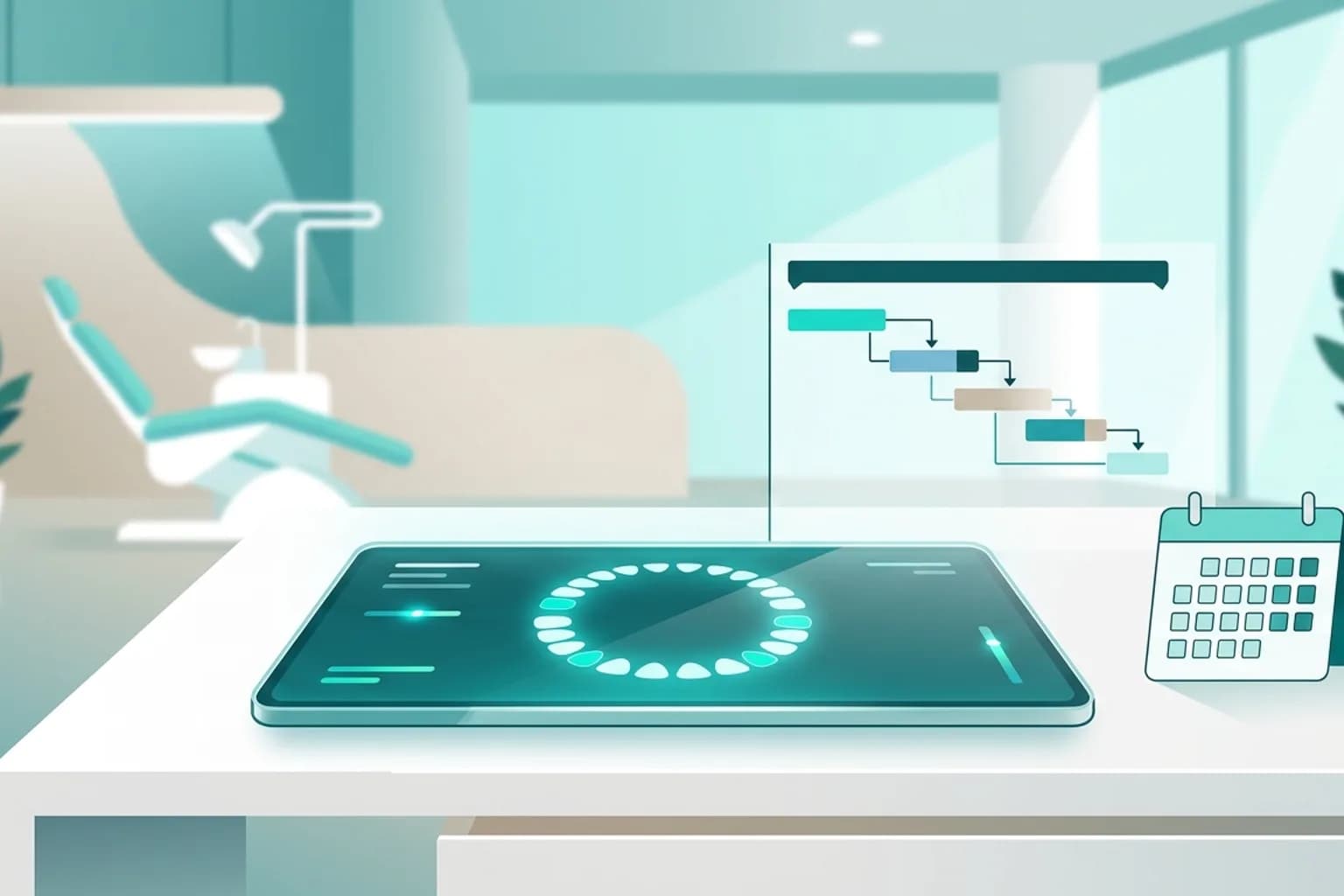
Accurate records start with a digital odontogram that clearly shows the condition of every tooth and surface. Yanitly's dental screen works on an interactive chart that supports permanent, primary, and mixed dentition.
Tooth- and Surface-Level Charting
Five surfaces can be marked separately for each tooth. During the examination the dentist charts caries, existing fillings, root canal treatments, missing or impacted teeth, and crown and bridge work directly on the chart. Existing conditions and planned procedures are visually distinct, which gives patients a clear visual reference when their treatment needs are explained. If two people edit the same chart at the same time, the system does not let the last save silently win; it shows the differences and asks the user which version to continue with.
Treatment Plans and Plan Financing
Comprehensive oral rehabilitation rarely ends in one session. Steps such as extraction, grafting, healing time, impressions, and the final restoration are set up as plan items. The latest active plan agreed with the patient feeds the plan finance screen and the Customer 360 Priority Jobs list from the same source.
This link means that:
- 1.The fee, discount, and completion status of each plan item are tracked individually.
- 2.Within permission limits, dentists see the clinical steps while the front desk and clinic management follow payments and the remaining balance.
- 3.A plan item entered by mistake is not deleted; it is safely reversed through an authorized, recorded correction.
Lab Work and Implant Lot Tracking
Two areas directly affect patient satisfaction in polyclinics yet are often still run on paper: lab work and lot records for implants and consumables.
Lab Work Records
For zirconia crowns, laminate veneers, prostheses, or aligner and splint work, the lab process is tracked with a lab work record. It holds the jaw region and teeth, work type, material, shade on the Vita scale, lab name, an optional due date, and the plan item the work belongs to. As the stage of the work is updated, the team schedules the try-in according to the lab's status and avoids calling the patient in for nothing.
Implant and Consumable Lots
Materials such as implants, grafts, and membranes are kept in the panel with lot numbers and expiry dates. During treatment the lot used is picked from a list with a tap and recorded against the tooth together with the quantity. You can trace which patients received a specific lot, and see materials approaching their expiry dates ahead of time.
An AI Receptionist on the Phone and WhatsApp
Many calls to dental clinics arrive after hours, when pain starts in the evening, or at weekends while people research cosmetic treatments. Yanitly's voice AI assistant and WhatsApp automation answer these patients without making them wait.
Safe Routing for Pain and Urgent Situations
The most important principle in healthcare communication is that the assistant knows its clinical limits. Yanitly's assistant is designed not to diagnose, suggest medication or dosages, or interpret X-rays. When a patient describes severe pain, facial swelling, or trauma, the assistant reminds them to seek emergency care if needed. Following the flow your clinic defines, it creates a priority appointment request or hands the conversation to your team; the final decision always stays with the clinic.
Check-Up and Recall Messages
If you define a check-up interval for a service, the patient receives a check-up invitation the chosen number of days after the procedure is completed. For patients who have not visited in a long time, reminder rules are set up on the Recall screen. When a patient replies to the invitation on WhatsApp, the assistant offers available times from the calendar and books the appointment with the patient's confirmation.
The "Today" Screen in Multi-Chair Polyclinics
In a dental polyclinic, the heart of the day is the real-time status shared between the front desk and treatment rooms. The Today screen shows appointments and each patient's step for the day: Waiting, Arrived, In the chair, and Checkout. The front desk sees at a glance who is in the chair and who is waiting to pay and book the next visit.
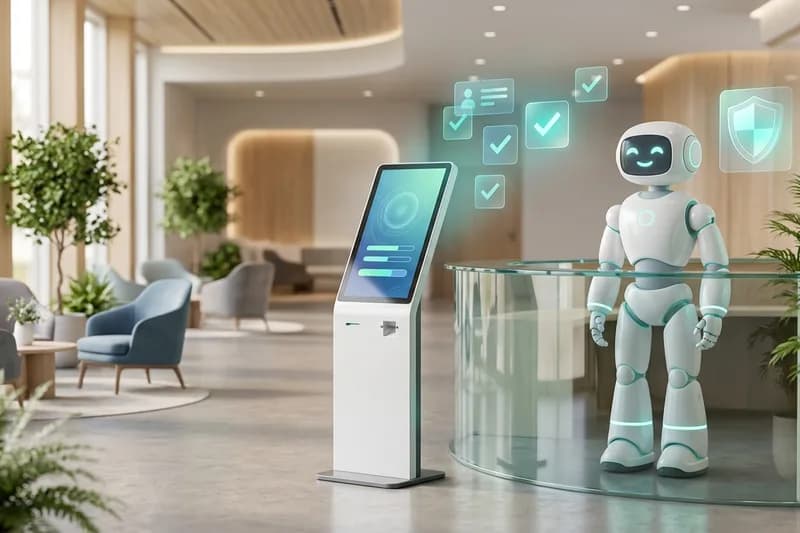
For polyclinics considering a digital lobby check-in, our work on kiosk and reception robot check-in, which is being prepared as a controlled pilot, is described in kiosk and reception robot patient check-in for clinics.
Steps for Moving to Dental Clinic Automation
To move to this setup without disrupting your current routine, follow this sequence:
- Practitioner calendars: Define each dentist's working days, specialty, and procedure-specific durations.
- Service catalog and price visibility: Choose a price disclosure rule for examinations and standard procedures, and use the "after assessment" option for procedures that need an examination.
- Odontogram and lab records: Set up the labs you work with most and your common treatment plan patterns, and enter implant and consumable lots into the inventory.
- Phone and WhatsApp line: Connect the clinic line to the voice assistant over SIP and the WhatsApp line to the unified inbox, then start following the day on the Today screen.