Picture the front desk of a multi-chair dental polyclinic or medical center in the morning: three patients walk in at once, another waits to pay and book the next visit, a dental assistant asks whether a consent form has been completed, and the phone starts ringing. However experienced the receptionist is, greeting people, answering calls, and handling paperwork at the same moment creates a queue in the waiting area.
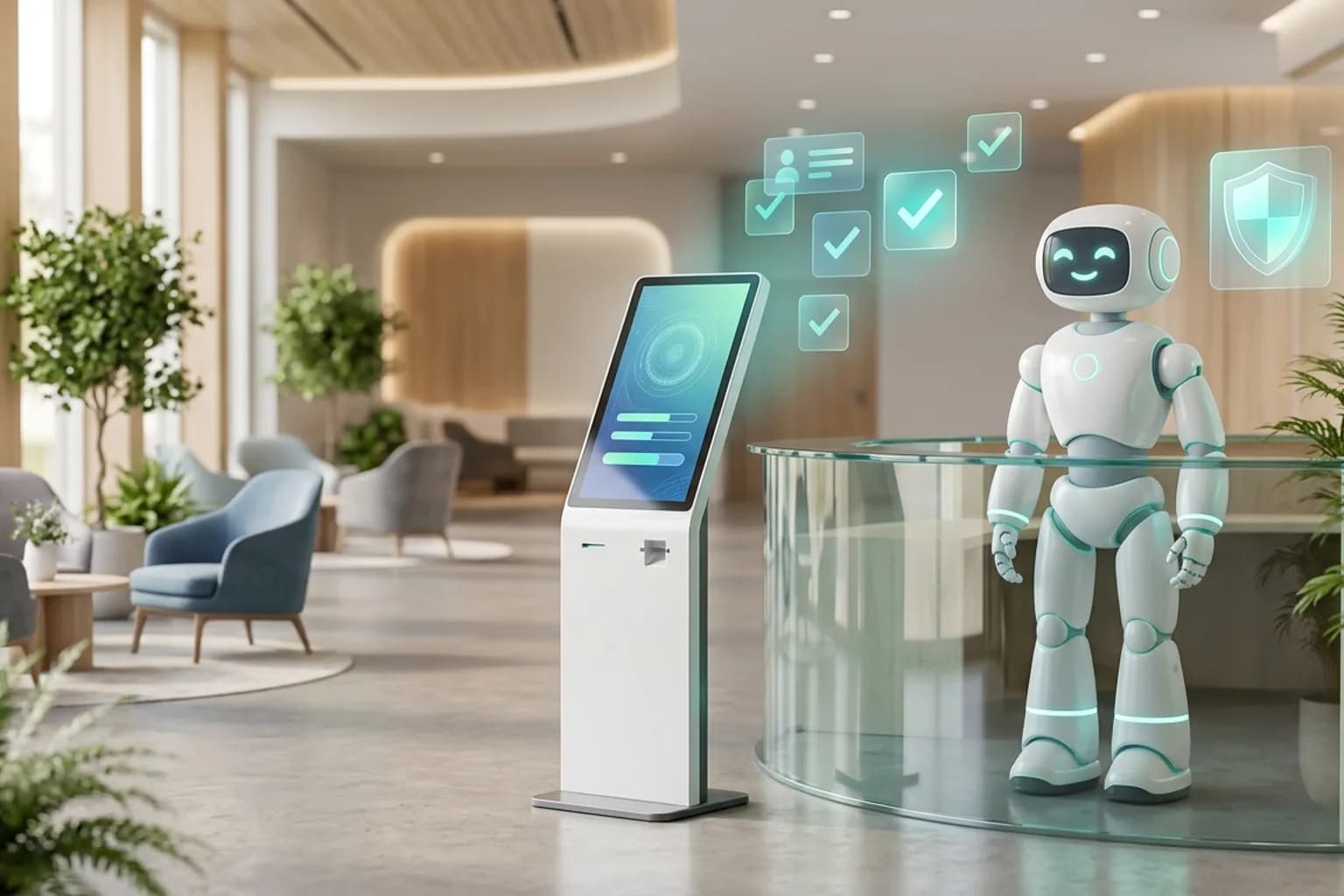
Yanitly is developing a patient check-in module that works with a touchscreen kiosk and a reception robot to address this. This article does not describe a generally available feature; it describes a module being prepared for a controlled pilot. The module is off by default today and will be enabled step by step only in selected clinics as part of the pilot. For the appointment and communication features you can use today, see our clinic appointment system.
A well-designed clinic check-in does not remove human warmth; it frees the front desk from routine registration work so staff can give real attention to patients.
Why Front-Desk Bottlenecks Happen in Polyclinics
Delays happen because every arriving patient has to pass through the same narrow point. A patient with a confirmed appointment who only needs to say "I'm here" shares the same line as someone registering for the first time or making a large payment. The main consequences are:
- Practitioner schedules slip: Even when the patient is ready in the waiting room, the dentist learns of their arrival late because of the line at the desk.
- Paperwork piles up: Printing, collecting, and filing forms leads to missing or lost pages.
- Privacy suffers: Phone numbers, identity details, or the planned procedure are confirmed out loud at a crowded counter.
- Calls are missed: While the receptionist helps someone at the counter, ringing phones go unanswered.
What the Pilot Module Aims to Do
The module aims to manage physical check-in through two complementary screens: a touchscreen kiosk in the waiting area and the front-desk screen the receptionist uses on their own computer. Both share the same live queue, so whether a patient checks in at the kiosk or at the desk, the dentist and assistant see the same status.
No Personal Data Before Identity Verification
The most important rule for a screen in a public waiting room is that no patient's appointment or health information is visible to others. The kiosk has no open patient list or name search. The patient enters the phone number used for the appointment, confirms the one-time code sent to their phone, and only then sees their own appointment card. When the process ends, or the screen is left idle, the session resets on its own.
The Front Desk Is Always There
Not every patient wants to use a touchscreen. Older patients, families with children, and people arriving in pain often prefer to talk to a person. Because the kiosk handles routine appointment check-ins, no queue builds up at the desk, and the receptionist can calmly help the patients who need it.
Information and Consent Texts
An important part of the pilot is showing pre-procedure information and consent texts on screen. The patient reads the text on the kiosk or a desk tablet and gives their approval; the record is stored together with the text version used and the time. The consent screen keeps acknowledgement and signature steps separate, and the patient can reach their copy through a link that opens only briefly and a limited number of times.
Why Legal Review Is Required
Health data is a special category of personal data. The information and consent texts shown on screen are templates and must be reviewed by your clinic's own legal advisor. We make no claim that a digital approval replaces a paper informed consent form; that assessment belongs to the clinic and its legal advisor. During the pilot, this step is not enabled until the legal review of the texts is complete.
How the Robot and Kiosk Integration Is Designed
Some clinics want a greeting robot in the entrance area alongside the touchscreen kiosk. The module works over an open protocol used to connect robots with AI tools. The robot's conversational side can only prepare actions; lasting steps such as appointment check-in or consent are completed with the patient's own approval on screen.
The robot can greet the patient, guide them to the kiosk step, and, once verification is complete, tell them which waiting area to go to. Walk-ins and visitors who need help are flagged to the receptionist on the front-desk screen. The robot never says a patient's name, phone number, or health information out loud; personal details appear only on the patient's own screen after verification.
Safety and a Single Off Switch
The module is off by default and every robot connection is authorized individually. If a problem is noticed, an administrator can turn off all robot access within seconds. Logs keep only operation identifiers and event types; no conversation text or patient information is written to them.
How the Pilot Works
The pilot is planned so that every clinic goes through the same stages:
- 1.Initial assessment: The clinic's front-desk flow, appointment volume, and robot or kiosk hardware are reviewed together.
- 2.Test environment: The module first runs in a test environment without real patient data.
- 3.Information only: The robot and kiosk give general information and directions without touching patient records.
- 4.Read access: A verified patient can see their own appointment details.
- 5.Actions: Steps such as arrival check-in and consent are enabled after legal review and the clinic's approval.
Each stage begins only after the previous one has run without problems. Clinics interested in joining the pilot can contact us.
Alternatives You Can Use Today
While the kiosk and robot module is in its pilot phase, clinics can already reduce front-desk load with these features:
- WhatsApp confirmations and reminders: Pre-appointment confirmations and reminders arrive in the patient's chat.
- Consent links before the appointment: If a service requires a consent form, the patient receives a signature link after the appointment is created.
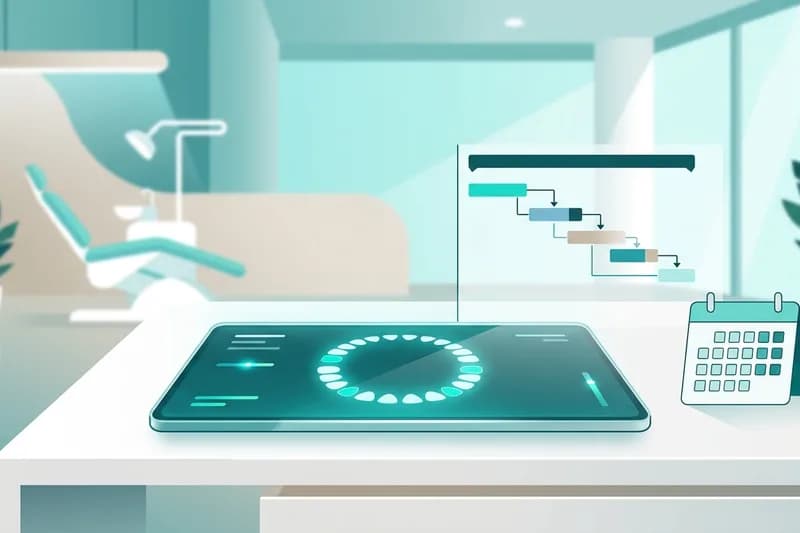
- Today screen: Each patient's Waiting, Arrived, In the chair, and Checkout steps are visible at the desk at a glance.
- AI receptionist on the phone: Calls that arrive while the desk is busy are answered by the voice assistant.
We describe the dental-specific clinical record and communication flow in detail in dental clinic software: odontogram, treatment plans and AI patient care.